How to Collaborate on a Selection Item
Users can start discussions directly within a Selection Item. Manage selection details and participate in a dedicated activity feed with the Selection Item.
Written By Stefan S.
Last updated 8 months ago
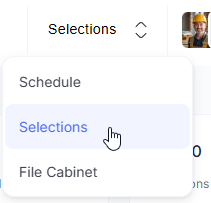
Open the Selections section of your project.
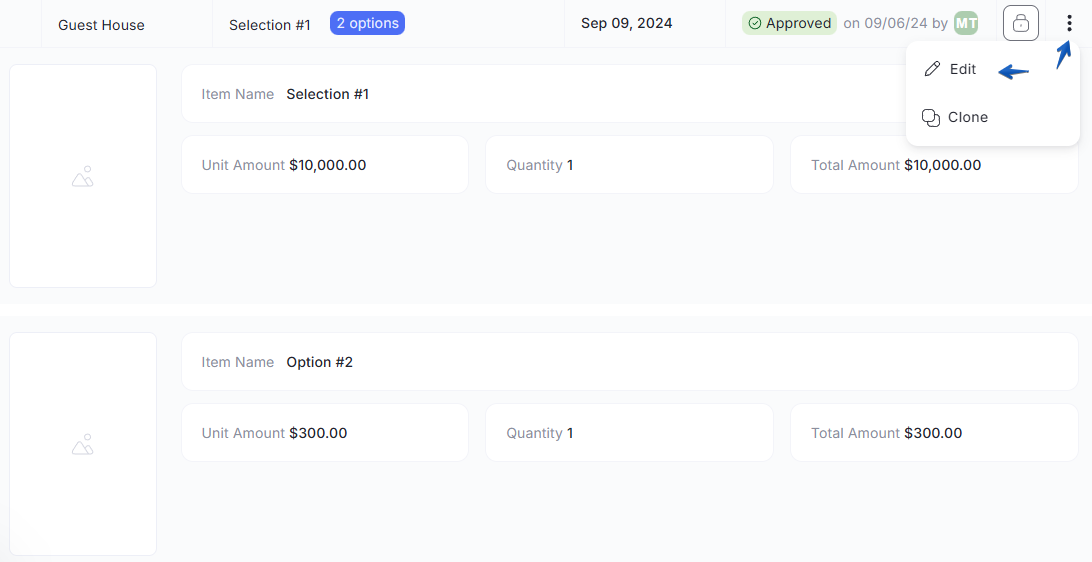
Click on any Selection Item to view its details, and select the option to edit it in the 3-dotted menu of the selection item:
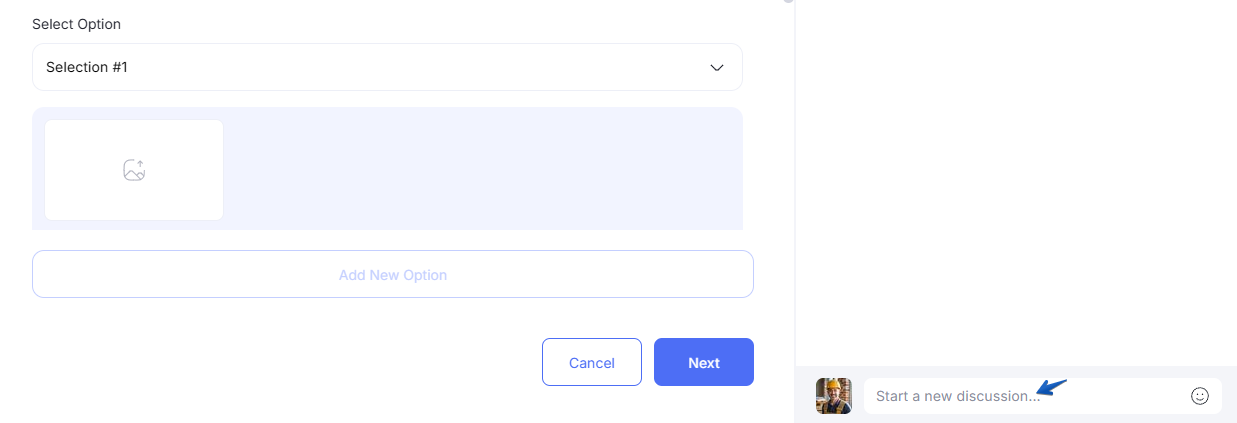
Locate the Activity Feed column on the right side of the modal.
Type your comment or update into the message box at the bottom.
Click Publish to post your comment.
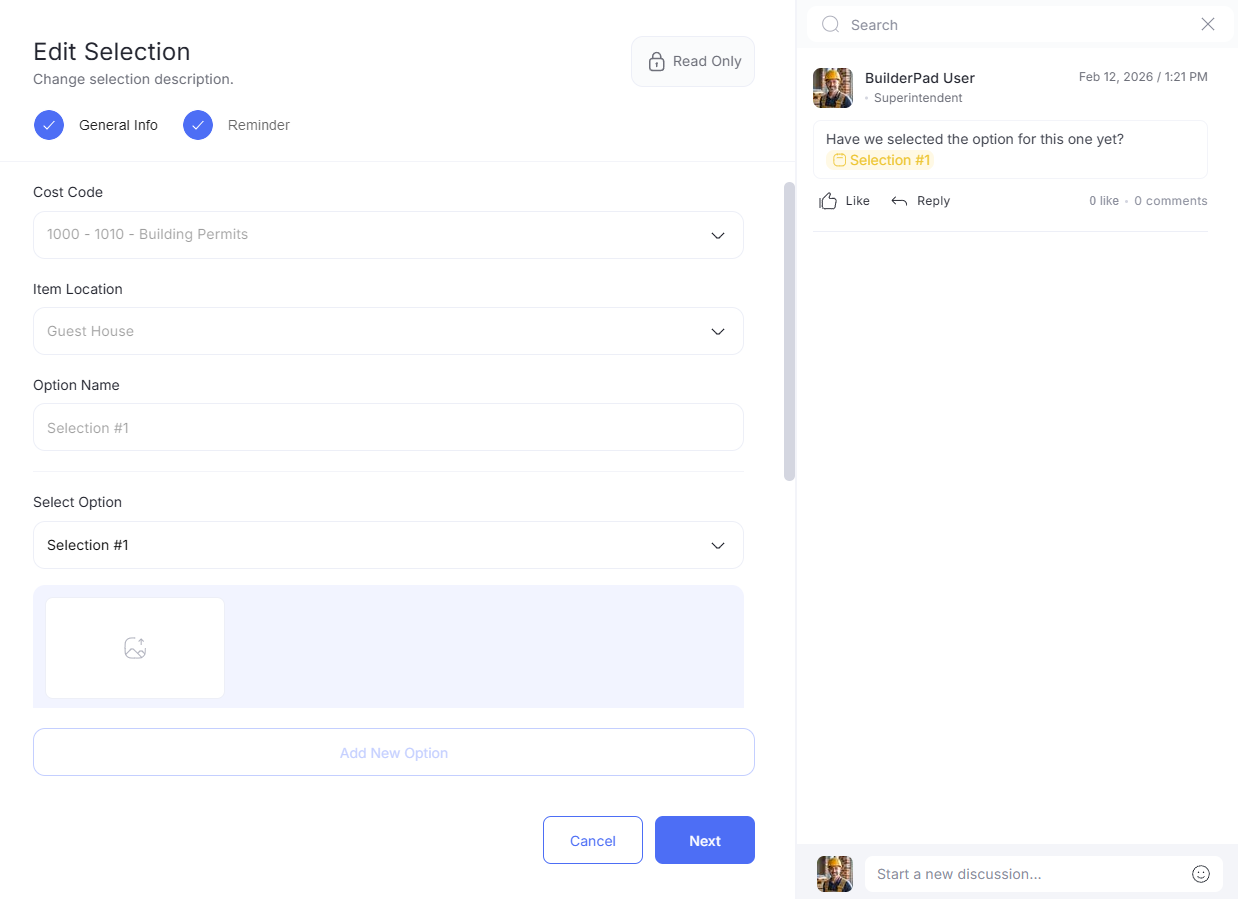
Check the main Activity Feed to see a summary of all recent selection-specific discussions across the project.
Still need help? Ask the team