Export Approved Selections to PDF
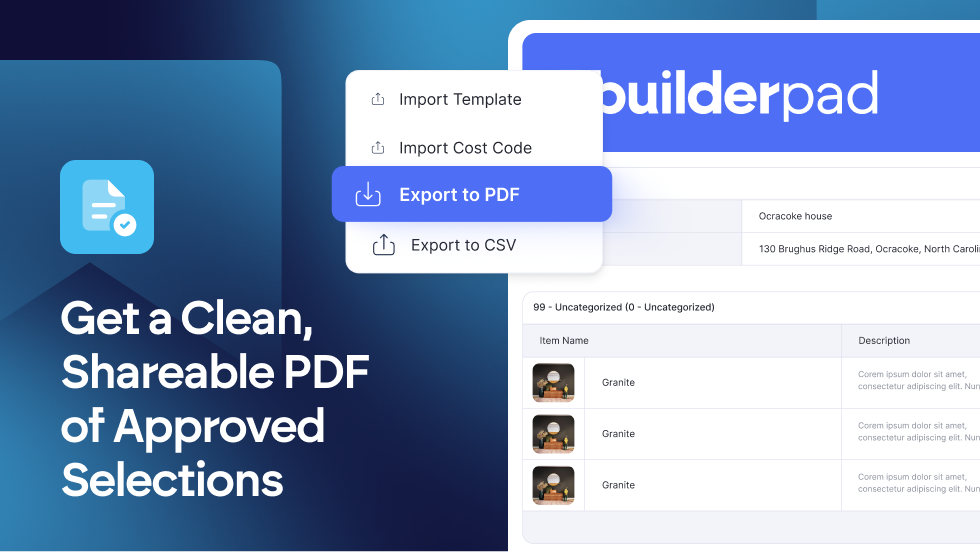
Say goodbye to manual reporting! You can now Export Approved Selections to PDF right from the Selections screen. This clean, professional, and ready-to-share PDF is broken down by category and includes all the must-have details: project info, item images, quantities, unit amounts, and all item specifications.
Quick & Professional: Generate a branded report instantly.
Comprehensive: Includes project name, address, images, and full item details.
Organized: Data is automatically broken down by Category for clarity.
Find out more about exporting approved selections to PDF at: https://support.builderpad.com/en/help/articles/4379159-exporting-approved-selections-as-a-pdf-document